




Supported Services
Appointments
View clinic appointments. Book, update, reschedule, or cancel patient appointments with ease.
Medical Notes
Access and create patient medical notes. Support for structured data entry with multiple template options.
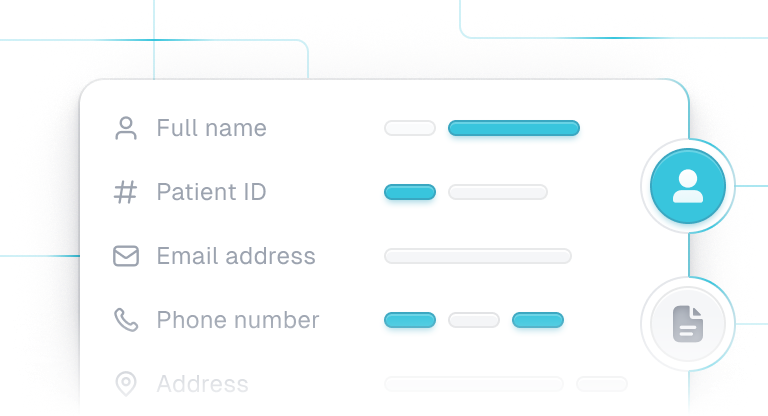
Patient Details
Retrieve patient demographics (names, IDs, contact details, addresses). Register new patients effortlessly.
Documents
Store and retrieve patient documents, including test results and reports.
Care Units
View and manage clinic departments, wards, and other care locations.

Resources
Access information about staff, rooms, and equipment availability.
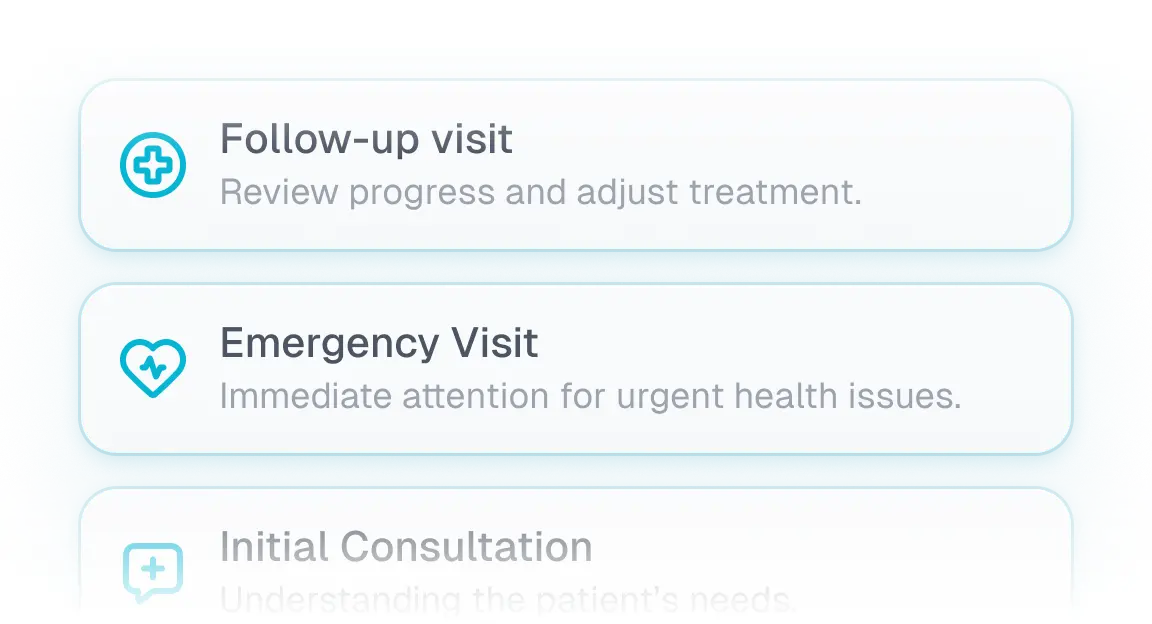
Services
List and manage medical services offered by the clinic.
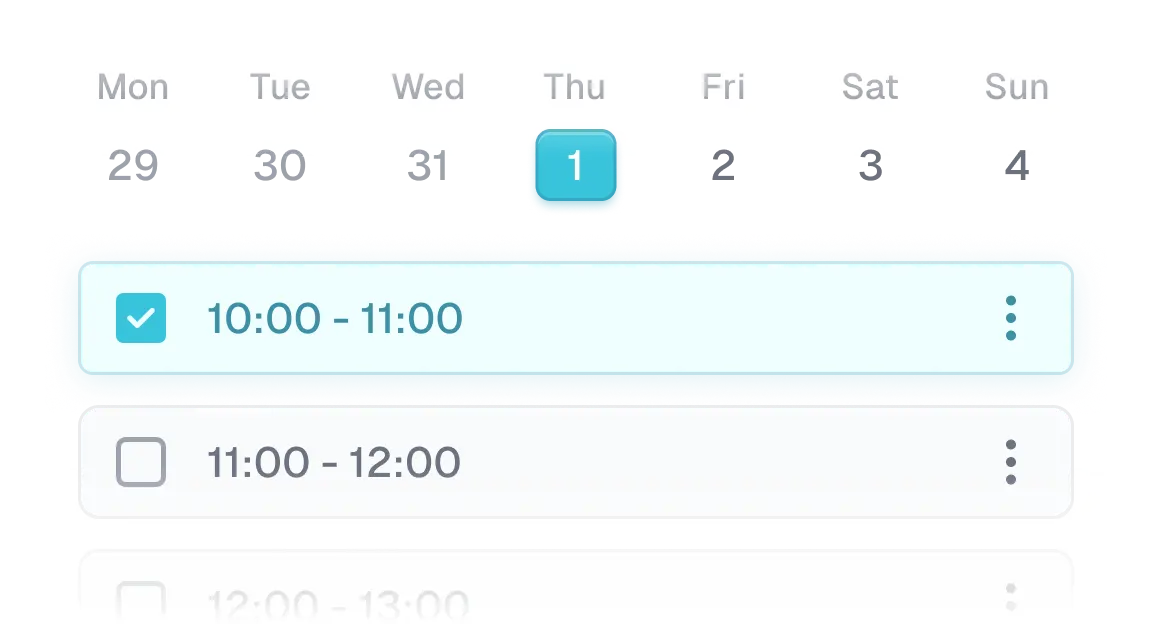
Time slots
Retrieve available appointment times for booking.
How to integrate
What people are saying
This onboarding of 2 more customers with one email and 5min configuration really shows the beauty of integration through Leyr.

We see great opportunities with digitalisation and want to increase the value that our staff can offer our patients. Therefore, we have focused on finding an integration solution that is technology-neutral and future-proof, and that is Leyr. We look forward to getting started with the collaboration.
This is impressive work, since I know personally how different our structures are from some of our competitors. Good work to hide that complexity away!

Partnering with Leyr allows us to offer even more value to our customers by lowering the threshold for integration of their tools to EG Pasientsky. It's a partnership where everyone wins. Together, we can drive better patient outcomes

It's a fantastic company with highly skilled individuals. They have clear communication and the ability to deliver what is necessary for our long-term success. At Legelisten.no, we are excited to continue working with Leyr to enhance our platform and help people find the right healthcare options in Norway.
This onboarding of 2 more customers with one email and 5min configuration really shows the beauty of integration through Leyr.
We see great opportunities with digitalisation and want to increase the value that our staff can offer our patients. Therefore, we have focused on finding an integration solution that is technology-neutral and future-proof, and that is Leyr. We look forward to getting started with the collaboration.
This is impressive work, since I know personally how different our structures are from some of our competitors. Good work to hide that complexity away!
Partnering with Leyr allows us to offer even more value to our customers by lowering the threshold for integration of their tools to EG Pasientsky. It's a partnership where everyone wins. Together, we can drive better patient outcomes
It's a fantastic company with highly skilled individuals. They have clear communication and the ability to deliver what is necessary for our long-term success. At Legelisten.no, we are excited to continue working with Leyr to enhance our platform and help people find the right healthcare options in Norway.